
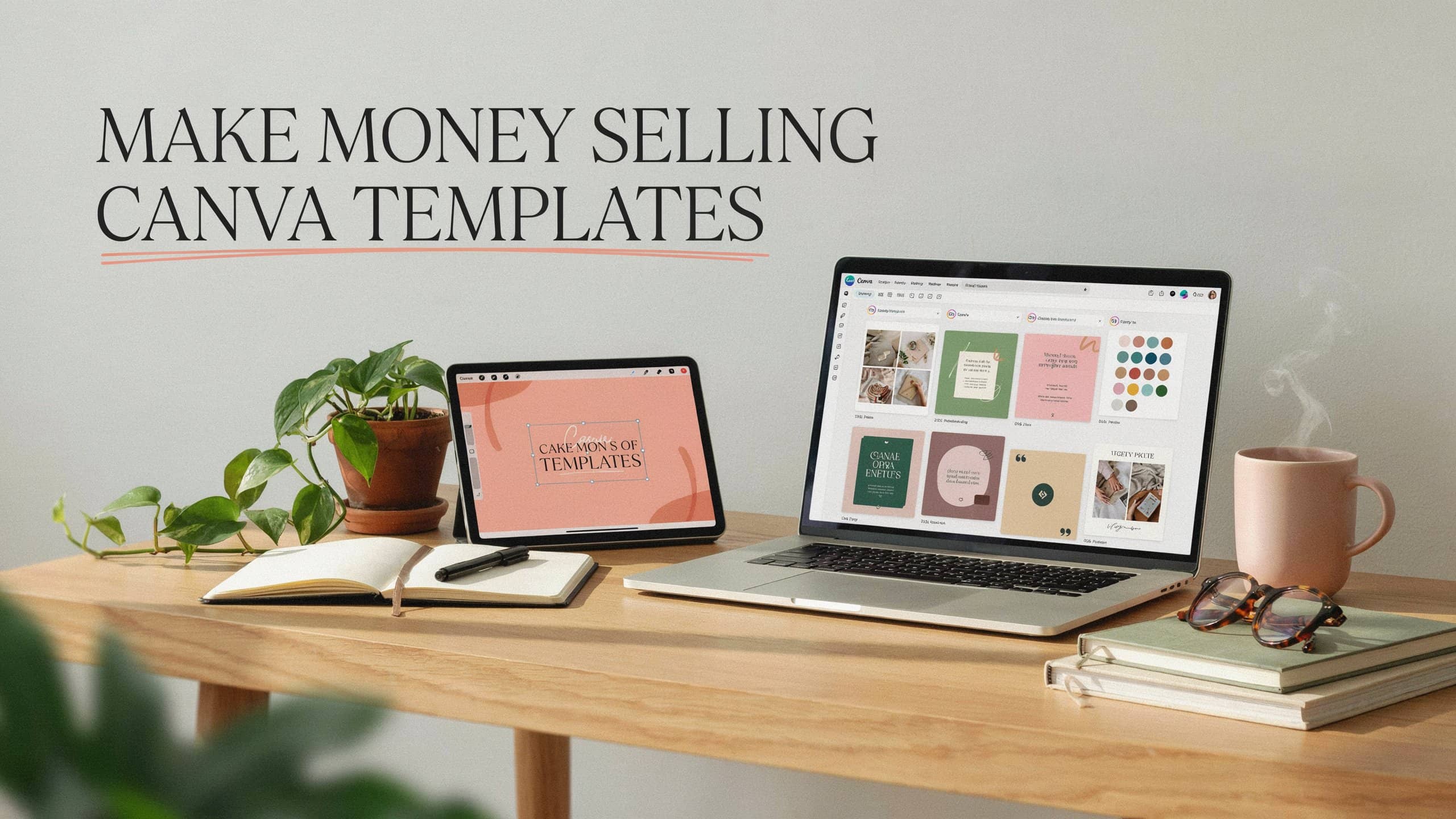
Selling Canva templates is one of those side hustles that sounds almost too simple at first. You create a design once, turn it into a reusable template, list it for sale, and customers can buy it again and again without you shipping anything.
That does not mean it runs on autopilot. There is definitely still design work, research, listing optimization, and some customer service involved. But for creative people who enjoy making useful things, it can be a realistic way to earn extra money from home. Here is what you need to know.
What Is Canva?
Canva is an online design tool for creating graphics, social media posts, presentations, flyers, planners, resumes, invitations, and more. You do not need a design background to use it. It has drag-and-drop tools, pre-made layouts, fonts, graphics, and photos you can customize from your computer or phone.
Canva has a free plan, but serious template sellers will often upgrade to Canva Pro so that they have access to more design elements and storage. You do not need to start with Pro, but it is something you may want to consider as you grow.
What Are Canva Templates?
A Canva template is a design someone else can open in Canva and customize for their own use. Instead of selling a finished image, you sell an editable file. The buyer opens your template, changes the text, swaps out photos, updates the colors, and makes it their own.
Templates sell because they save people time. Small business owners, bloggers, coaches, teachers, real estate agents, and content creators all need graphics but do not want to start from scratch every time.
Some popular types include:
- Instagram and Pinterest templates
- Resume and cover letter templates
- Business cards and pricing guides
- Workbooks, planners, and budget trackers
- Teacher worksheets
- Event invitations
- Real estate flyers and media kits
Do You Need Design Experience?
You do not need formal training, but you do need a good eye. At a minimum, you should be comfortable choosing readable fonts, pairing colors, creating balanced layouts, and understanding what a specific type of customer actually needs.
This is not the right side hustle if you dislike visual work. But if you already enjoy making graphics for your blog, social media, or small business, you can probably get started with the skills you already have.
Honestly, the biggest beginner mistake is just making random pretty designs and hoping someone buys them. The templates that sell best are made for a specific person with a specific problem. “Instagram templates” is broad. “Instagram templates for hair stylists announcing last-minute openings” is something a busy stylist immediately sees value in.
Can You Make Real Money Doing This?
Yes, but the range is wide.
Income varies a lot. Many sellers earn a modest side income once they have enough products listed and some traffic coming in. A smaller number eventually build digital product businesses that generate part-time or even full-time income.
Many Canva template sets on Etsy sell between $5 and $25, depending on complexity. Simple single-page templates sit at the lower end, while multi-page bundles like planners or full business kits can be priced significantly higher. On Creative Market, polished professional bundles are often priced higher still.
Keep in mind that what you earn depends on things like:
- How useful and specific your templates are
- How many products you have listed
- Where you sell them
- How strong your listing photos and descriptions are
- How much traffic you can drive from Pinterest, SEO, email, or social media
Where to Sell Canva Templates
Etsy
Etsy is one of the most popular places to sell Canva templates because buyers are already searching there for digital downloads, planners, business templates, and graphics. The built-in traffic is a real advantage for beginners, though competition is high and you will need to learn Etsy SEO so that you can stand out.
If you want to learn how to build a profitable Etsy digital product shop from scratch, Gold City Ventures offers a well-known workshop specifically for this type of business. I’ve seen it recommended quite a bit in the work-from-home space, especially for people starting from zero.
Your Own Shopify Store
Shopify gives you more control over your brand. You are not relying on marketplace search or rules, and you can build your own customer email list, create bundles, and send traffic from Pinterest, Instagram, or your blog. That said, the downside is that you have to drive all your own traffic. Many sellers start on Etsy and add a Shopify store once they know their niche better.
Creative Market
Creative Market attracts buyers who are already looking for design resources, making it a better fit for polished branding kits, media kits, and professional template bundles. It is worth studying even if you do not sell there right away, because the product quality tends to be high and it can give you a pretty good idea of what successful sellers are creating.
Payhip or Gumroad
Platforms like Payhip or Gumroad are simpler than running a full store and work well if you already have an audience — a blog, email list, YouTube channel, or social following you can point toward your products.
Fiverr
Fiverr lets you offer custom Canva template creation as a service rather than waiting for buyers to find your listings. It is less passive but can help you earn faster while learning what customers actually want. You can read my Fiverr review for more on how the platform works.
What Types of Templates Sell Best?
The templates that do best are ones that help someone save time, look professional, or make money. Niche-specific bundles consistently outperform generic ones.
Small Business Owners
Salons, boutiques, photographers, real estate agents, pet sitters, virtual assistants, and bookkeepers all need graphics on a regular basis. A bundle built specifically for one of these audiences is far easier to sell than a general “social media pack.” Just know that the more specific you get, the easier it is to connect with the right buyer.
Content Creators
Bloggers, YouTubers, podcasters, and influencers need graphics constantly. Pinterest pin templates, Instagram carousel templates, YouTube thumbnails, and media kits are all strong sellers in this space. If you are interested in pairing template selling with a blog of your own, here is my post on how to start a blog.
Job Seekers
Resume templates, cover letter templates, LinkedIn banner templates, and portfolio templates can sell steadily because people are always looking for ways to stand out when applying for jobs.
Teachers and Homeschool Parents
Worksheets, lesson planners, classroom signs, flashcards, and reward charts have consistent demand throughout the year. This niche can be competitive, but buyers return often because they always need fresh materials.
Event and Invitation Templates
Birthdays, weddings, baby showers, and graduations mean people are always searching for editable invitations. Being specific helps here — a particular theme, style, or aesthetic will stand out more than a generic birthday invite. You could maybe even focus on just one event type to start and build from there.
How Template Delivery Works
When you sell Canva templates, you do not upload the editable Canva file itself. Instead, you generate a template link inside Canva and include that link in a PDF document. The customer downloads the PDF after purchase, clicks the link, and opens an editable copy in their own Canva account — without being able to alter your original.
Your delivery PDF should include:
- A thank-you note
- The Canva template link
- Simple editing instructions
- Your usage terms
- Contact information for support
Keep instructions simple so that even someone brand new to Canva can follow along. Many buyers will need basic guidance, and a smooth experience means fewer complaints and better reviews!
Licensing Rules You Need to Know
Before you sell anything, take time to understand Canva’s licensing rules. This part matters more than most beginners realize, and honestly it is easy to skip over when you are just excited to get started.
You cannot just take a Canva template, make minor changes, and sell it as your own product. Your design needs to be an original creation that meaningfully combines and transforms elements.
Note that there is also an important distinction about Pro content. Canva has specific licensing rules regarding how Pro elements — stock photos, illustrations, fonts, and other assets — can be used in products you sell. Before building templates you plan to list anywhere, you should review Canva’s current Content License Agreement to make sure your use of any Pro content complies with their terms. The rules are more nuanced than a simple yes or no, and getting this wrong after the fact is a headache you do not need.
Is Selling Canva Templates Worth It?
Selling Canva templates can definitely be worth it if you enjoy design, are willing to put in the upfront work, and treat it like a real business rather than a shortcut.
Keep in mind that it is not a good fit if you need money right away. In that case, a remote job or faster-paying freelance work is probably a better first move.
But if you want a creative side hustle that can grow over time, Canva templates are worth considering. Start with one niche, create something useful for a specific buyer, and keep improving based on what gets clicks and sales. The sellers who do best are usually not the ones with the prettiest designs — they are the ones who understand their customers!
For more ideas like this one, check out my list of 100 ways to earn extra cash online.
If you want more work from home ideas like this, be sure to subscribe to my free email updates. I send out remote job leads, side hustle ideas, and other ways to earn from home — completely free!

Anna Thurman is a work at home blogger and mom of two. She has been researching and reviewing remote jobs for over 15 years. Her findings are published weekly here at Real Ways to Earn.