
Every button you click, online form you complete, and product you add to a shopping cart had to be built by someone.
That someone is often a web developer!
Web development may sound intimidating if you’ve never written code before. However, it is a skill you can learn through online courses, practice, and personal projects. Some employers even hire web developers without a college degree if they can prove they know what they’re doing.
This doesn’t mean you can watch a few tutorials over the weekend and immediately land a six-figure remote job. Learning web development takes time, patience, and quite a bit of practice.
Still, if you enjoy solving problems and creating things, it could lead to a well-paying remote career, freelance work, or even a business of your own.
What Is Web Development?
Web development involves building and maintaining websites and web-based applications.
A developer might create a company’s entire website, improve its speed, add an online checkout system, fix errors, connect it to a database, or make sure it works properly on phones and tablets.
The work generally falls into three categories:
Front-End Development
The front end is the part of a website or application people see and use.
Front-end developers build page layouts, menus, forms, buttons, and other interactive features. Common skills include HTML, CSS, JavaScript, responsive design, accessibility, and frameworks such as React.
Back-End Development
The back end handles what happens behind the scenes.
Back-end developers may work with servers, databases, user accounts, payments, security, and the systems that move information between different parts of a website or application.
Common back-end technologies include Node.js, Python, PHP, SQL, and APIs.
Full-Stack Development
Full-stack developers work on both the front and back ends.
They understand how the visible parts of a website connect with its databases, servers, and other systems. This broader skill set can open up more opportunities, although full-stack jobs aren’t automatically better-paying than every specialized position.
How Much Do Web Developers Make?
According to the U.S. Bureau of Labor Statistics, the median annual pay for web developers was $90,930 as of May 2024.
That means half earned more and half earned less.
The lowest-paid 10 percent earned under $48,560, while the highest-paid 10 percent earned more than $162,870. Your actual pay will depend on your skills, experience, location, employer, and the kind of development work you do.
The BLS expects employment for web developers to grow 8 percent from 2024 through 2034, which is faster than the average for all occupations.
What Web Development Jobs Can You Search For?
Not every employer uses the title “web developer.” Other useful job titles include:
- Front-End Developer – Builds the visible and interactive parts of websites and applications.
- Back-End Developer – Works with servers, databases, APIs, and other behind-the-scenes systems.
- Full-Stack Developer – Works on both front-end and back-end development.
- WordPress Developer – Builds, customizes, or maintains WordPress websites.
- E-commerce Developer – Builds and maintains online stores and shopping features.
- UI Developer – Turns interface designs into working web pages and application features.
- Software Engineer – A broader role that may include web applications, but can also involve many other kinds of software.
Web design and web development overlap, but they aren’t identical. Designers usually focus more on appearance and usability, while developers focus more heavily on making everything function.
Do You Need a Degree?
Not always!
The BLS says educational requirements for web developers range from a high school diploma to a bachelor’s degree. Some employers prefer candidates with degrees in computer science, software engineering, information technology, or a related subject.
Other employers care more about whether you can demonstrate your abilities through previous work and personal projects.
That portfolio is important. So, if you don’t have a degree or professional experience, employers need another way to see that you can build something useful without setting their website on fire.
Also, be realistic about the competition. Entry-level remote development jobs attract many applicants. Your first opportunity may be freelance, contract, local, hybrid, or an internship rather than the perfect full-time remote position.
How Can You Learn Web Development?
You don’t have to spend a great deal of money to find out whether coding is right for you.
If you want a broader beginner overview before choosing a specialty, see my guide to learning to code from home for free.
Several reputable resources actually let you begin for free:
- freeCodeCamp – Offers free lessons and projects covering HTML, CSS, JavaScript, front-end libraries, back-end development, and more.
- The Odin Project – Provides a free, structured web development curriculum with hands-on projects.
- Harvard’s CS50 – A free introduction to computer science and programming fundamentals.
- Full Stack Open – Covers modern JavaScript-based web development and is better suited to learners who already understand the basics.
- Udemy – Offers individual web development courses, often at discounted prices.
Want a more structured way to learn? If you prefer guided lessons rather than piecing together free tutorials on your own, Coursera offers beginner web development courses and certificate programs from universities and technology companies. You can compare the available programs and choose one that fits the skills you want to build.
You may want to consider starting with a free resource before paying for a coding boot camp. Boot camps can provide structure and deadlines, but they can also cost a significant amount of money and do not guarantee employment.
If you’re considering one, carefully look over the curriculum, total cost, financing terms, refund policy, and independently verified employment results.
What Do You Need to Get Started?
You don’t need an elaborate home office or expensive software, despite what you might believe.
For learning and small practice projects, a dependable computer and internet connection are usually enough. Particular jobs may require a newer computer, certain operating systems, or employer-approved security tools. You can additionally use free tools such as:
- Visual Studio Code for writing and organizing code.
- Chrome or Firefox developer tools for testing and troubleshooting websites.
- Git and GitHub for saving code and collaborating with other developers.
- GitHub Pages, Netlify, or Vercel for hosting practice projects.
AI coding tools can explain errors, suggest code, and help you work faster. However, copying code you don’t understand will catch up with you eventually. You still need to understand what the code does and be able to fix it when something breaks.
And something will break. That’s most of the job.
How Do Beginners Gain Experience?
Courses can teach you the basics, but employers also want proof that you can use those skills.
Here are several ways to build that proof:
- Create personal projects. Build a portfolio website, simple business site, interactive calculator, booking form, or small web application.
- Improve existing projects. Redesign an old project, make it mobile-friendly, improve its accessibility, or speed it up.
- Help someone you know. A website for a friend, local organization, or small business can become a real portfolio example.
- Contribute to open-source work. GitHub has projects tagged with good first issue that may be more approachable for beginners.
- Try freelance work. You can find projects independently, read my beginner-friendly Upwork review, or look through Fiverr.
Don’t fill your portfolio with five nearly identical tutorial projects. Employers have seen enough weather apps and generic to-do lists to last several lifetimes.
Build at least one project that solves a real problem, explain how you built it, and document the decisions you made.
Want your own portfolio website? Free hosting is enough when you’re first practicing. However, if you want to build a WordPress portfolio with your own domain, Bluehost is one paid option to consider.
Having your own site can give you a place to display your projects, explain what you built, and show potential employers or clients what you can do.
Freelancing or Full-Time Employment?
Freelance developers can choose their clients, set their rates, and sometimes even control when they work. They also have to find clients, manage deadlines, handle taxes, and unfortunately deal with the occasional client who requests “one tiny change” 17 times.
A full-time position generally provides steadier pay, and may also include health insurance, paid time off, retirement benefits, and other advantages. But in exchange, you’ll have less control over your schedule and assignments.
Freelancing can help you gain experience, but it isn’t automatically easier than finding a job. You still have to convince someone to trust you with their website and money.
Companies to Check for Remote Web Development Jobs
These are career pages to monitor, not a list of companies confirmed to be hiring today. The companies have remote or distributed teams and may post web development or engineering opportunities, but openings change regularly and many roles require substantial experience.
You can also search LinkedIn, We Work Remotely, and Indeed.
Is Web Development a Good Fit for You?
It might be right for you if you like solving problems, learning new things, noticing small details, and creating something you can actually see and use.
You will also need lots of patience. A missing character can prevent an entire page from working, and finding it may take longer than you’re comfortable admitting.
Web development isn’t an instant path to easy money. It takes consistent study, repeated practice, and a willingness to keep learning as technology changes.
But it is learnable. Start with a free course, build one small project, and see whether you enjoy the work before investing much money.
You don’t need to understand everything on your first day. Fortunately, no one does.
Good luck if you end up pursuing this as a remote career path!
Looking For More?
If you’re ready to look for paid web development work, FlexJobs is a good place to search. Try terms such as “front-end developer,” “WordPress developer,” “web developer,” and “junior developer.”
Their job board isn’t free, but I’ve been a member and found it to be really useful for me because all the job leads fit the following criteria:
- All jobs are either remote or flexible in nature
- Scam-free (all jobs vetted by humans before posting)
- No ads or junk on their site, so you can browse distraction-free
- Hundreds of jobs posted every day across tons of categories
- Respected, long-standing, and truly useful
They let you try them out for 14 days for $2.95. So there is not much risk if you just want to create an account and see if you find anything you may want to apply for.
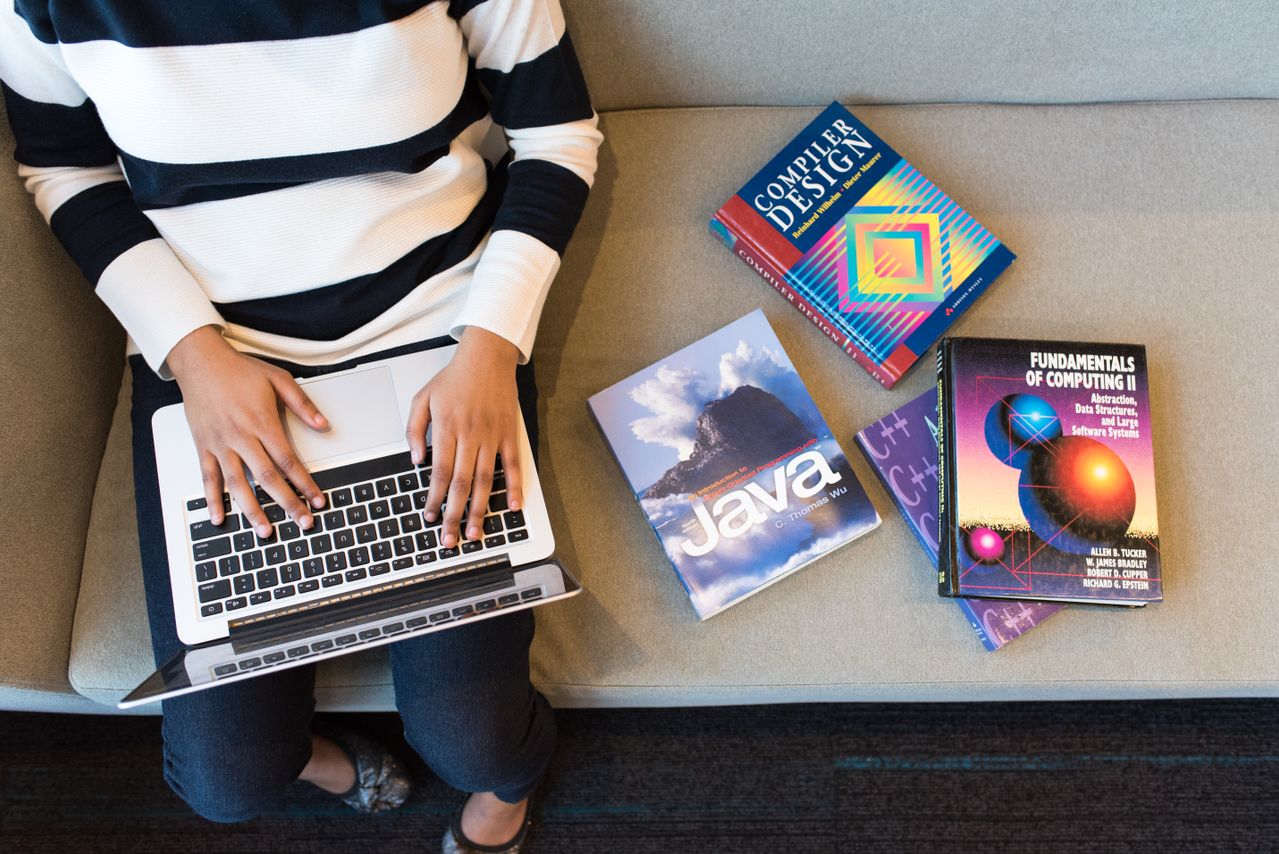
Photo by Christina Morillo: https://www.pexels.com/photo/person-using-macbook-pro-on-person-s-lap-1181298/

Anna Thurman is a work at home blogger and mom of two. She has been researching and reviewing remote jobs for over 15 years. Her findings are published weekly here at Real Ways to Earn.